Top 10 Access and Identity Management Software for Businesses
Choosing the right identity and access management (IAM) software is not easy because the tools have different capabilities. Some handle employee sign-in. Others protect customer logins, admin accounts, or access reviews. It can also help reduce the burden of employee account management, permissions, and authentication. Prices also range from free open-source code to six-figure contracts.
In this guide, we compare the top ten access and identity management software using current pricing and documentation. Each one has different security capabilities, scalability, and integrations. If you want a quick answer, start with this content piece right now. Then read the reviews that match your team size and tech stack.
Quick Comparison
| Tool | Best for | Key strength | Score |
|---|---|---|---|
| Microsoft Entra ID | Microsoft 365 users | Free tier, Microsoft fit | 4.6/5 |
| Okta | Mixed app stacks | SSO to governance suites | 4.5/5 |
| JumpCloud | Small IT teams | Identity plus devices | 4.3/5 |
| Cisco Duo | MFA-first teams | Focused, low-cost MFA | 4.2/5 |
| Ping Identity | Large hybrid enterprises | Federation, hybrid options | 4.1/5 |
| CyberArk | Privileged access | Admin account protection | 4.0/5 |
| SailPoint | Identity governance | Access reviews | 4.0/5 |
| Auth0 | Customer-facing apps | Developer-friendly login | 3.9/5 |
| OneLogin | Mid-sized SSO and MFA | Simple bundled tiers | 3.7/5 |
| Keycloak | Self-hosted teams | No license fees | 3.6/5 |
You Might Also Like: Top 10 Best VPN Service Providers for Small Businesses
How We Selected Them?
Each of the access and identity management software platforms was rated on a scale of 1 to 5. The criteria included reputation, ease of use, cost, scaling options, and suitability for the customer. The average score shown represents editorial judgment rather than testing. We also considered the main purpose of each platform. A workforce IAM platform is totally different from a customer identity platform, so both should have different judgment criteria.
The information was obtained from the software companies, followed by price monitoring and available features. However, pricing and features can change according to the plan or region. Always check the current pricing and product listing before planning a purchase.
What Is an Access and Identity Management System?
Access and identity management software controls people’s access to applications. It is a digital framework and security tool that determines what people are allowed to do after they manage to log in. An IAM software incorporates these rules into a single programmable product. Most such systems include single sign-on, multi-factor authentication, and account creation. In cybersecurity, identity and access management minimizes the risks caused by password theft.
The core functions of IAM software include authentication, authorization, and lifecycle management. You can expect it to allow SSO (single sign-on) or RBAC (role-based access control). Besides, it’s also beneficial for auditing and monitoring control.
The 10 Best Access and Identity Management Software Options
#1. Microsoft Entra ID
Best for: Microsoft 365 and Azure organizations
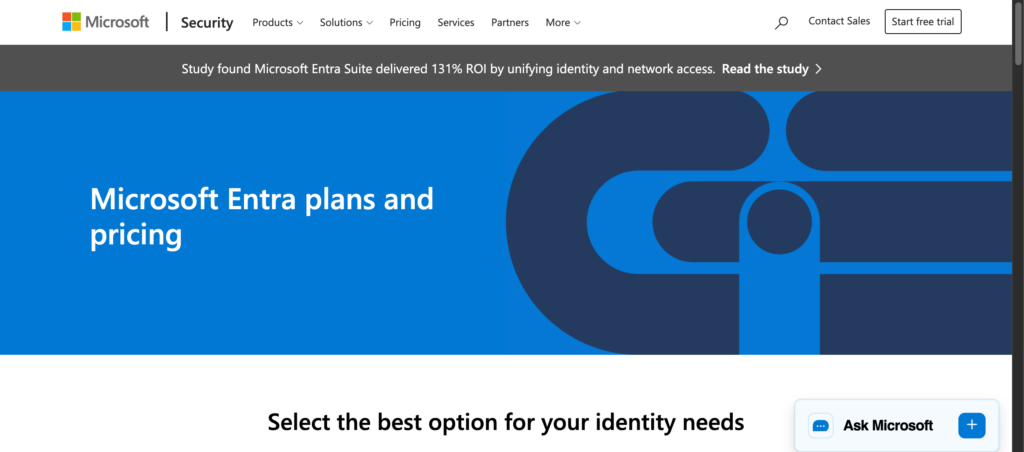
Microsoft Entra ID, most people call it by its old name Azure AD, is perfect for organizations already using Microsoft services. It has a direct connection with the wider Microsoft Ecosystem. The system has a free tier with multi-factor authentication (MFA) and unlimited SSO, offering the biggest advantage. The platform is best for organizations that are already familiar with Microsoft infrastructure and want better identity control.
Paid plans offer more benefits; however, P2 adds risky policies. Entra ID has transparent pricing, and you might have to pay for add-ons for access. You can skip it if you mostly use non-Microsoft tools.
Pros
- Free tier with MFA and SSO
- Best with Microsoft environments
- Deep Microsoft integration
Cons
- Not compelling for organizations that don’t use Microsoft
- Best value needs Microsoft licensing
Our score: 4.6/5 | Visit Microsoft Entra ID
#2. Okta Workforce Identity
Best for: Mid-sized and large teams using app stacks
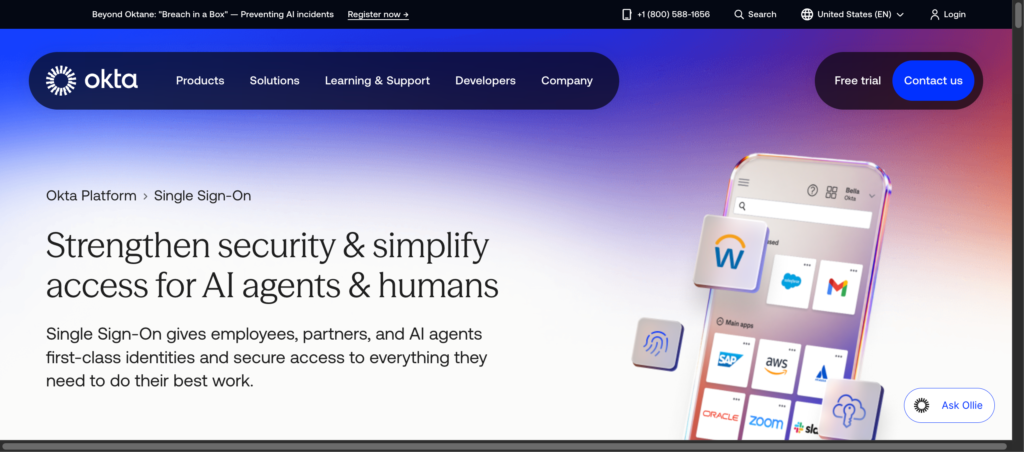
Okta is a provider of identity management solutions and workforce access solutions such as SSO, MFA, and governance. It’s a cloud-native access and identity management software that secures and manages the logins and access of corporate applications. The software has the ability to support organizations with multiple applications. Okta also offers the flexibility of changing software ecosystems.
Its core capabilities also include lifecycle management and identity governance. However, it is paid and billed annually. The recent pricing starts from $6 per user/month, billed annually, with a $ 1,500 annual contract minimum. You can skip this option if you need a basic SSO for a smaller team.
Pros
- Wide suite from SSO to governance
- Flexible with multiple application environments
- Can offer wider identity requirements
Cons
- Annual billing with a reported minimum
- Add-ons increase the total cost
Our score: 4.5/5 | Visit Okta Workforce Identity
#3. JumpCloud
Best for: Small IT teams managing users and devices
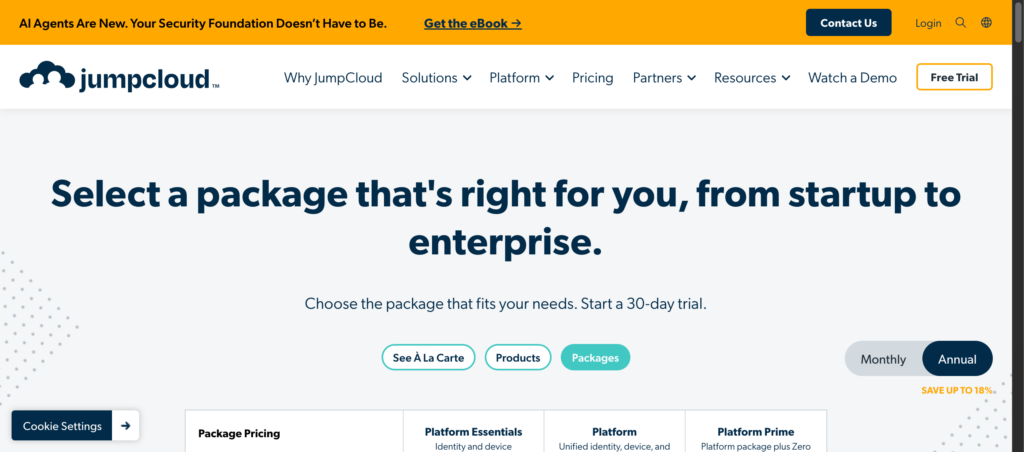
JumpCloud is an IAM platform that integrates a cloud directory, SSO, MFA, and device management. It works on Windows, macOS, and Linux platforms. The device management capabilities make it relevant to smaller IT teams. It centralizes user identities and device management with secure access control.
The system is particularly useful for organizations with remote employees. It offers agent-based control and multi-protocol support to enforce policies and handle protocols like Lightweight Directory Access Protocol (LDAP) and Security Assertion Markup Language (SAML). Nevertheless, the per-user cost increases with an increase in the number of employees. Choose a different tool if you are already good at device management.
Pros
- Identity and devices in one platform
- Monthly payment option is available
- Quick setup and suitable for smaller IT teams
Cons
- Advanced tiers require a quote
- Large organizations might need enterprise capabilities
Our score: 4.3/5 | Visit JumpCloud
#4. Cisco Duo
Best for: Teams that want MFA first and SSO second
Cisco Duo is particularly for organizations looking to enforce multi-factor authentication. It’s an MFA tool with SSO, passwordless sign-in, and directory. In addition, it comes with risk-based checks and prevention of cyberattacks. The system is a good fit if your priority is protecting accounts rather than identity governance.
The practical functionality includes identity verification and checking device trust. Although cheap and simple, it’s not an ideal solution if you need automation in access reviews.
Pros
- Free plan for up to 10 users
- Simple and easy-to-use case
- Phishing-resistant MFA options
Cons
- Light on governance
- Risk-based features need Advantage
Our score: 4.2/5 | Visit Cisco Duo
#5. Ping Identity
Best for: Large enterprises with hybrid environments
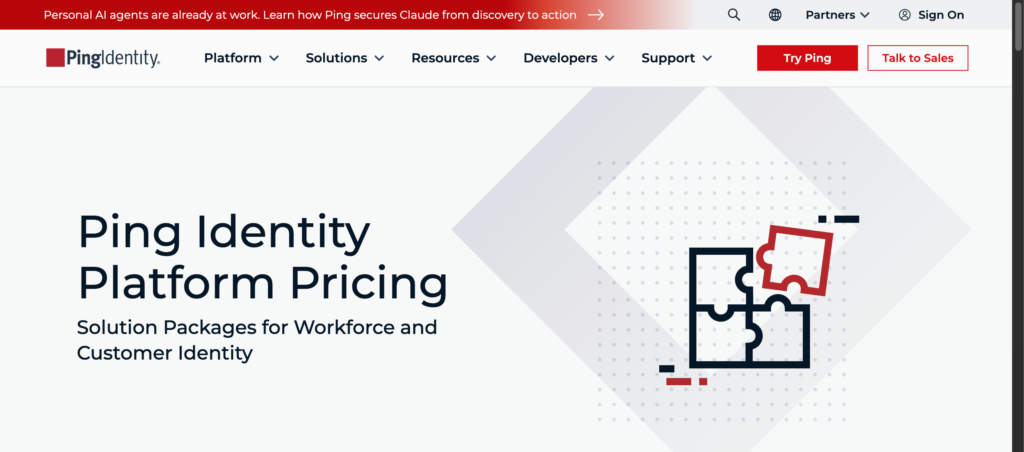
Ping Identity is a platform that offers access and identity management software. Ping offers solutions under PingOne cloud services and self-hosted software such as PingFederate. It works for companies with complex identity environments, and that is its key strength.
However, the Ping Identity plan requires a minimum of 5,000 users per annum. So, it takes $180,000 a year at $3 per head/month. So, it’s not a suitable fit if you have fewer users.
Pros
- Hybrid and self-hosted options
- Low per-user price at scale
- Covers workforce and customer identity
Cons
- 5,000-user minimum
- Add-ons are quote-only
Our score: 4.1/5 | Visit Ping Identity
#6. CyberArk
Best for: Companies that must protect privileged accounts
CyberArk’s approach is different from platforms focusing primarily on employee SSO. Its major privilege is protecting accounts and administrative access. However, it sells workforce SSO and MFA. You might find CyberArk under a new name: Idira, as it was acquired by Palo Alto Networks. If administrative access is a central concern, CyberArk offers PAM, PSM, and a digital vault. You can skip CyberArk if you only require basic SSO for your employees.
Pros
- Deep privileged access controls
- Low tracker-listed SSO and MFA prices
- Large security vendor behind it
Cons
- Vendor pricing is not public
- Packaging may shift after the acquisition
Our score: 4.0/5 | Visit CyberArk
#7. SailPoint

Best for: Large enterprises that need identity governance
The main concern of SailPoint is governance, i.e., access reviews, provisioning, and segregation of duties. It’s an access and identity management software offering risk control for human, machine, and AI identities. SailPoint’s suites include Standard, Business, and Business Plus.
It’s useful to organizations that need visibility and control over access to resources. They can check permissions and confirm whether users need the access they have. It is a niche solution instead of a generic SSO service. Nevertheless, no price details are available. If you are looking for a straightforward and inexpensive login service, SailPoint is not for you.
Pros
- Deep governance and compliance features
- Widely used by large organizations
- Access review capabilities
Cons
- No available pricing; need a custom quotation
- Likely overkill for small teams
Our score: 4.0/5 | Visit SailPoint
#8. Auth0
Best for: Developers adding login to customer-facing apps
Auth0, a subsidiary of Okta, handles customer identity management rather than employee access. It’s a cloud native access and identity management software that handles user authentication and authorization. Developers building applications use this tool for customer logins.
Since many organizations are likely to prefer a customer login to an employee one, we have included Auth0 in our list. However, the costs can rise steeply as the number of users increases. Skip this tool if you are looking to establish effective workforce governance.
Pros
- Free plan up to 25,000 MAUs
- Flexible for developers
- Separate B2C and B2B plans
Cons
- MAU costs scale with traffic
- B2B features cost more
Our score: 3.9/5 | Visit Auth0
#9. OneLogin
Best for: Mid-sized companies wanting simple SSO and MFA
OneLogin from One Identity combines SSO, directory, and MFA features alongside lifecycle management, in tiers. It’s a cloud-based IAM that offers single sign-on and multi-factor authentication for organizations looking for easy identity setup. Trackers report price ranges for their tiers, from $3 to $8 per user per month.
Always ask for a written estimate before comparing prices. If you have a mid-sized business that needs centralized access and authentication across applications, this platform is for you.
Pros
- Low entry pricing
- Bundled SSO, directory, and MFA
- Free trial available
Cons
- Inconsistent public pricing
- Basic caps lifecycle management at five apps
Our score: 3.7/5 | Visit OneLogin
#10. Keycloak
Best for: Engineering teams that prefer self-hosted, open-source
Keycloak is a self-hosted access and management software that offers user authentication and authorization for modern website and mobile applications. Developers can secure the applications without writing custom code. The platform is compatible with protocols such as OpenID Connect, OAuth 2.0, SAML 2.0, and LDAP.
Its main features include SSO, user federation and social login, and central management consoles. The tool doesn’t require license fees. However, no license fee does not mean no cost. Your team will handle the hosting, perform upgrades, and apply patches, unlike paid tools.
Pros
- No license fees
- Flexible protocols
- Full control of your data
Cons
- You own security and uptime
- Native SCIM was still experimental in late 2025
Our score: 3.6/5 | Visit Keycloak
Mistakes to Avoid When Selecting Access and Identity Management Software
Even powerful software will not work if the selection process is not right. Avoid these mistakes to save time and money.
- Not considering your tech stack: Selecting software that is not compatible with your tech stack, will lead to extra work. An unsuitable solution will lead to additional work. For example, a company that uses Microsoft technology will get little from a tool designed for multiple technologies.
- Skipping the total cost: The price you see in the listing doesn’t reflect the whole picture. Total price can include extras, minimum requirements, and installation time. Thus, it’s best to ask the software provider about the cost.
- Mixing up user roles: Different roles imply distinct types of access. For example, Auth0 is good for the authentication of customers, while Okta suits staff. Choose the one that matches your requirements.
- Buying Extras: It’s rare for small teams to need elaborate governance. Start you’re your needs first, and then add more features when your team grows.
- Underestimating setup and maintenance: Self-hosted software such as Keycloak will require professionals to implement it successfully. And for software updates and maintenance, you might need a team. So, factor that effort into your planning.
In short, doing your research now might save you time and money later. Also, don’t forget to test the tool with a small group first. This way you can spot the problems and switch to a better option.
Which Access and Identity Management Software Fits Your Team?
Your stack and team size will dictate the best option to select. Companies predominantly using Microsoft solutions should go for Entra ID first. If solutions offered by different vendors are integrated into one system, Okta or JumpCloud could be appropriate options. If your priority is implementing Multi-factor Authentication, then an affordable option would be Duo.
If enterprises complain about governance issues and privileged access, their choices would involve SailPoint, CyberArk, and Ping. Moreover, if developers want to find something useful, Auth0 can be of great assistance. Strong technical teams might opt for the Keycloak service.
Frequently Asked Questions (FAQs)
How much does access and identity management software cost?
The workforce prices around here can vary from $3 to $17 per user per month. The charges for customer tools relate to the monthly active users. Enterprise governance tools are quote-only.
Is free access and identity management software good enough?
In general, it does. Entra ID Free and Duo Free provide essential tools for MFA and SSO. Keycloak does not charge for usage but requires a technical person to operate it.
Which tool suits identity and access management cybersecurity?
It depends on the risk. Admin accounts point to CyberArk. Access reviews point to SailPoint. Microsoft setups point to Entra ID.