
10 Best Password Managers for Businesses and Enterprises in 2026
Feature image: Photo by appshunter.io on Unsplash
Your employees reuse passwords and share logins in chat. They also save them in browsers, which weakens privacy. One leaked password can undermine the security of all other systems your company uses. Password managers for businesses fix this issue by giving businesses one place to control access and ensure privacy. We evaluate the online privacy tools and rate them according to usability and reliability.
Keep reading to see the 10 best password managers and choose what’s right for your firm. Some of them are suitable for small businesses, while others can serve enterprises effectively. They will offer admin controls and security assessments. Let’s skip the chit-chat and review which password manager suits your needs best.
Quick Comparison of the Best Password Managers for Enterprises
| Rank | Password Manager | Best For | Key Strength | Starting Price |
| 1 | 1Password Business | Workforce adoption | Easy for employees | $7.99/user/mo |
| 2 | Bitwarden Enterprise | Value and self-hosting | Open-source option | $6/user/mo |
| 3 | Keeper Enterprise | Compliance reporting | Deep audit tools | About $6/user/mo |
| 4 | Dashlane Omnix Password Management | Credential-risk visibility | Phishing alerts | $8/user/mo |
| 5 | NordPass Enterprise | Simple deployment | Entra ID and Okta | Quote-based |
| 6 | Proton Pass Business | Privacy-focused teams | Low-cost SSO tier | From about $4.49/user/mo |
| 7 | JumpCloud Password Manager | Identity platform users | Bundled with SSO | $3/user/mo |
| 8 | ManageEngine Password Manager Pro | Privileged accounts | Session recording | From $595/year |
| 9 | Zoho Vault Enterprise | Approval workflows | Controlled sharing | About EUR 6.30/user/mo |
| 10 | LastPass Business Max | SaaS discovery | App visibility | $9/user/mo |
What Are Password Managers for Businesses?
A password manager is a secure vault that IT controls. Employees can save their logins in their vaults. Businesses can set permissions on the vaults for password usage, guaranteeing security. The IT team can set the rules for passwords and track team activity. They can also deactivate accounts when someone leaves. Most of the password managers for businesses use Single Sign-On (SSO) system integrations. They allow company employees to synchronize passwords when working with different systems in the process of teamwork.
What Should Businesses Look for in an Enterprise Password Vault Software?
Choosing the right password management software for business is not just about comparing prices. Enterprises need to look for certain features that will comply with the security policies adopted, the tech stack used, and the business workflow used in the company.
It is essential to pay attention to these aspects:
- Integrated Management: Administrators must be able to manage users and groups from one place. They can set and monitor permissions and oversee vaults in a single interface.
- Multifactor Authentication: Safeguarding accounts with additional authentication is vital.
- SSO and Provisioning: Integration with ID providers can reduce the headache of onboarding, offboarding, and access changes.
- Audit Logs and Reporting: The organization should be able to check login activity and trace suspicious behavior.
- Secure Sharing: A secure and effective system to share credentials without sharing them in chats and email.
- Access Management: Session monitoring and credential rotation are significant for organizations working with sensitive infrastructure.
- Adoption: The simpler the tool is to adopt, the easier it is for the employees to use it. They’ll prefer it instead of keeping passwords in a spreadsheet or the browser.
- Total Cost: The listed amounts on a tool’s platform can be different when it comes to annual subscription, minimum threshold, and implementation.
Learn more: Top 10 Access and Identity Management Software
The 10 Best Password Managers for Businesses and Enterprises
The choice of the best password manager for a company depends upon its needs. You’ll be able to secure credentials, prevent data breaches, and control access to sensitive accounts. Thus, no doubt, password managers for businesses eliminate security risks. However, not every organization needs the same features. Some may need ease of use with affordability, while others might need strong access controls and monitoring. Here are our top 10 picks for you. Take your time, and review carefully to select the best one for your business:
#1. 1Password Business
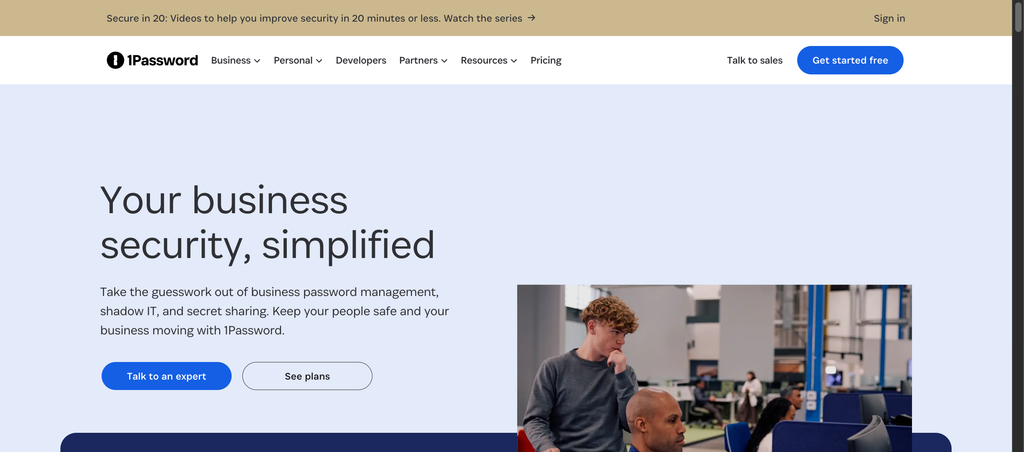
Best for: Companies prioritizing employee adoption and manageable administration
1Password Business offers shared vaults, permission roles, and activity logs. It integrates well with identity systems like Okta and Microsoft Entra. In addition, it supports passkeys and enables every user to use an account free of charge. It’s a perfect choice for organizations wanting to improve security without complications. The interface is employee-friendly, which helps them store, share, and recover credentials.
Moreover, the administrators can assign permissions and organize teams. The tool comes with serious security measures, such as offering alerts to identify issues with the credentials and secure workflows. However, it has one downside, which is no self-hosting option.
Pros
- Easy to use and highly adaptable
- Shared vaults with role-based permissions
- Great compatibility with popular identity providers
Cons
- Higher price than Bitwarden
- No self-hosting option
- Admin accounts may need separate access
Skip it if: You need the option of self-hosting or recording administrative sessions.
Check current price: 1Password Business
#2. Bitwarden Enterprise
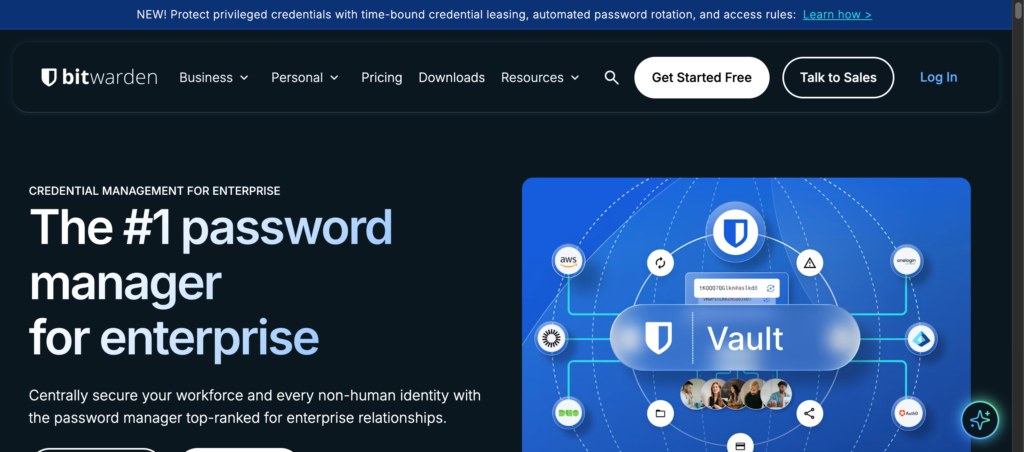
Best for: Teams looking for budget-friendly plans or self-hosting.
Bitwarden is available as open source and is hosted on either the cloud or self-hosted servers. It’s a reliable corporate password manager offering better access control. The Enterprise plan allows you to add features such as Single Sign-on, separate roles for its users, account recovery, server logs, and imports. Self-hosting means your team handles updates and backups.
Administrators can also synchronize the directories and use provisioning integrations to manage accounts. The reason that Bitwarden appears on this list of best password managers for business is because of the clear pricing policy. However, the self-hosting feature adds work for your IT staff.
Pros
- Clear public pricing
- Open source password management
- Optional self-hosting and SSO
Cons
- Self-hosting adds IT work
- Key controls need the Enterprise plan
Skip it if: You do not have a team available for self-hosting.
Check current price: Bitwarden business pricing
#3. Keeper Enterprise
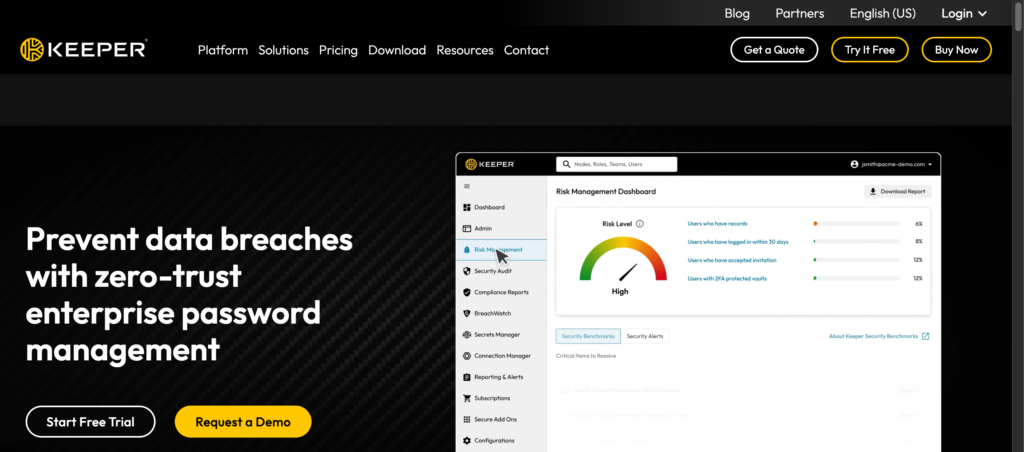
Best for: Businesses that follow regulations and require reporting and an audit trail
Keeper Enterprise protects credentials while giving administrators access to track user activity. It offers an SSO option, detailed reports, and information for tool monitoring. The software also supports secure storage and sharing while maintaining audit trails. It registers 200 varieties of events and has a FedRAMP certificate. You can also use BreachWatch and KeeperPAM functionalities by paying more.
Keeper may be helpful for organizations that prefer usage monitoring and need proof. It’s the best password manager for large businesses, which helps during audits through its reports. However, the complexity of additional options makes quotes hard to compare.
Pros
- Deep reporting and audit logs
- Links to monitoring and directory tools
- Path to admin-account protection
Cons
- Add-ons increase the total cost
- Hidden pricing for Enterprise
- Certification scope varies by product
Skip it if: You want one flat price with no add-ons.
Check current price: Keeper pricing page
#4. Dashlane Omnix Password Management
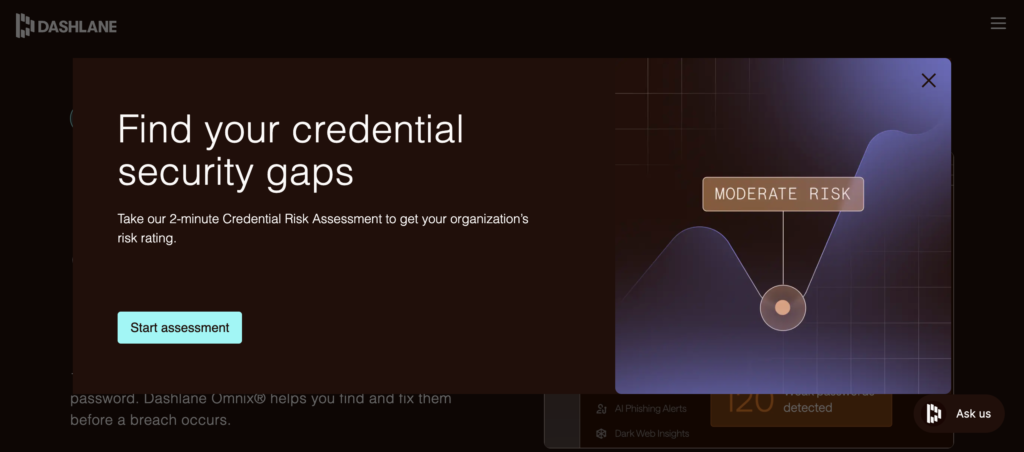
Best for: Security teams seeking information on risky logins
Our take: Dashlane suits teams that want to spot risky logins, not just store them. That said, the plan split can confuse buyers. Older quotes may use old names.
Dashlane Omnix is one of the best password managers for businesses looking to manage employee credentials while keeping in check with vulnerabilities. Employees can save credentials while administrators can manage access. Omnix Password Management comes with SSO, policy vaults, and secure sharing. The extra Credential Production module adds features such as phishing alerts and risk checks.
Dashlane is ideal for organizations that want to spot risky logins, not just basic secure storage. However, businesses should check whether the subscription includes phishing alerts and specific detection capabilities.
Pros
- Credential risk insight
- Phishing alerts availability
- Includes SSO
Cons
- Risk tools have separate pricing
- Recent rebranding adds confusion
- No 2FA for SSO users
Skip it if: You only need basic shared vaults at the lowest price.
Check current price: Dashlane plan comparison
#5. NordPass Enterprise
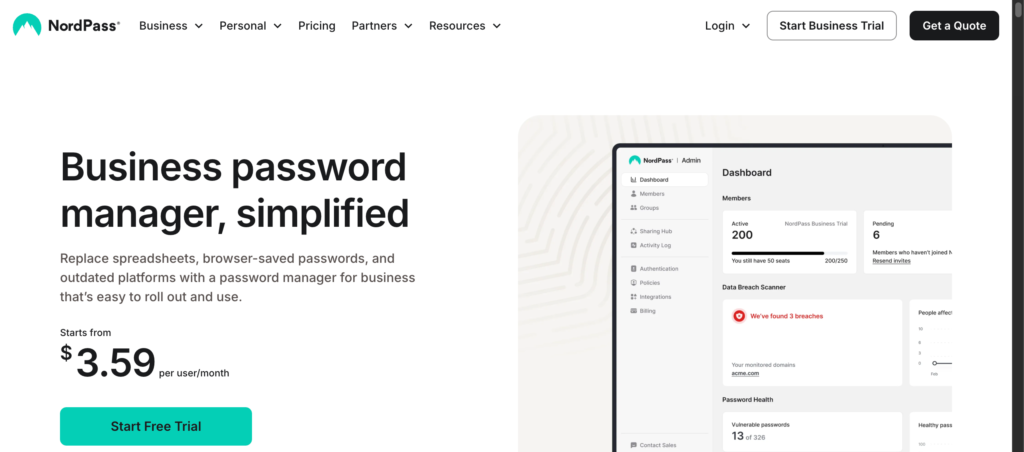
Best for: Users of Entra ID or Okta wanting a simple solution
Price: Quote-based. Pricing varies by region and term, with a five-user minimum.
NordPass is a simple, practical enterprise password vault software that makes secure credential management accessible. Employees can store their passwords and generate stronger credentials. Administrators can share access with different users without sending logins via insecure channels. The key feature of NordPass Enterprise is the integration of SSO with Microsoft Entra ID and Okta.
Its own access management is joined by integration with Splunk and Microsoft Sentinel. The onboarding process is available. NordPass has become a convenient company password manager for enterprises using either Entra ID or Okta. There are no advanced administration features in such services.
Pros
- Simple integration
- Entra ID and Okta support
- Monitoring tool links
Cons
- Final price needs a quote
- SSO needs the Enterprise plan
- No standard self-hosting
Skip it if: You require self-hosting or session recording.
Check current price: NordPass Business
#6. Proton Pass Business
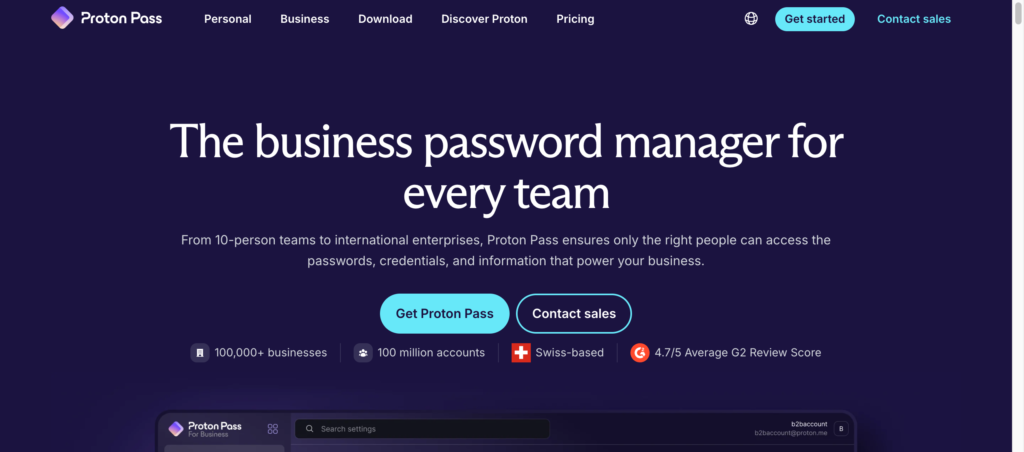
Best for: Teams looking for an affordable, privacy-focused option with SSO capabilities
Proton Pass Business is a reliable option for organizations that focus on privacy and data encryption. Just like other password managers for businesses, this software also supports password storage and secure sharing. Pass Professional brings in SSO, activity logs, and command-line functions. According to Proton, all data is end-to-end encrypted, meaning that Proton does not have access to it.
Proton Pass is the budget option that also provides SSO. Organizations focusing on privacy may appreciate the tool’s encryption approach. However, it’s new to market, so test it first.
Pros
- Low-priced option with SSO
- End-to-end data encryption
- Activity logs and command-line tools
Cons
- Requires a minimum of three users
- Different sources report different prices
- Shorter enterprise history
Skip it if: You need session recording or self-hosting.
Check current price: Proton Pass Business
#7. JumpCloud Password Manager
Best for: IT teams already using JumpCloud for identity and devices.
JumpCloud uses a different strategy in terms of identity and access management. Instead of hosting credentials from a single source, it saves credentials on users’ own devices. Admins monitor the status of passwords in one console. JumpCloud combines SSO tools and multifactor authentication, depending on the subscription.
The performance of JumpCloud is better if the organization is already using it. If the software is bought exclusively for passwords, it is not as beneficial. In such cases, bundling only helps to decrease the number of products used.
Pros
- Low add-on price
- Works with directory, SSO, and login checks
- Central password health view
Cons
- Best value only inside the platform
- Less beneficial than dedicated vaults
Skip it if: You only want a standalone password vault.
Check current price: JumpCloud pricing
#8. ManageEngine Password Manager Pro
Best for: IT teams protecting root, domain, and database admin accounts
ManageEngine is a self-hosted software that protects administrative accounts for servers and databases. It also secures the networks. The software is capable of changing passwords independently and records administrative sessions in higher software editions. Licensing counts admins only. Depending upon the subscription plan, businesses can also use privileged session recording and monitoring.
This software solves issues beyond employee password vaults. If administrators share the credentials of their powerful accounts, the software provides control over their usage. However, it does not allow day-to-day autofill.
Pros
- Admin session recording
- Automatic password changes
- Pricing by admin count
Cons
- Self-hosting requires maintenance
- Not built for employee autofill
- Recording needs a higher edition
Skip it if: You mainly need a vault for everyday employee logins.
Learn more: Best Domain Management Software for Self-Hosted Websites
Check current price: ManageEngine edition comparison
#9. Zoho Vault Enterprise
Best for: Ideal for teams that need approvals before sharing sensitive logins.
Like any other corporate password management app, Zoho provides centralized password management. It controls password sharing for teams that need to follow policies to access sensitive credentials. Zoho Vault Enterprise implements the approval process and restrictions on access duration. The software makes sure that any request for access undergoes help-desk ticket checks.
The system provides auditing options and SSO for cloud applications. What makes it one of the best password managers for business is its support for Microsoft Azure AD. Companies must be aware that Zoho Vault works best when they require a security step to protect sensitive information from possible leaks.
Pros
- Approval workflows
- Flexible access period
- Good fit for Zoho users
Cons
- Pricing varies by region
- Fewer independent enterprise reviews
- Features depend on plan and geography
Skip it if: You need infrastructure session recording.
Check current price: Zoho Vault pricing
#10. LastPass Business Max
Best for: IT teams wanting password management and SaaS insight
LastPass Business Max offers password management with broader business access. Users can enjoy unlimited SaaS reports, SSO apps, and risk alerts. This is helpful as employees can adopt cloud applications without involving IT. Conventional password management might not be enough to secure credentials.
In December 2022, LastPass announced that they had been unable to prevent hackers from gaining access to their data and hacking clients’ vaults. Although it provides a strong idea of what the app does, we can’t ignore the breach in 2022. Thus, we suggest you treat it as a conditional option and pay careful attention to LastPass.
Pros
- SaaS discovery and monitoring
- Works with common directories
- Unlimited access to SSO apps in Max
Cons
- 2022 security incident
- Best features need the higher plan
- Needs a security review first
Skip it if: Your risk team will not accept the breach history.
Check current price: LastPass pricing
How Do Enterprise Password Managers Work?
Most of the systems function similarly:
- Set up identity provider: Connect Okta, Microsoft Entra ID, or Google Workspace.
- Include users: Include users and groups, often automatically.
- Establish policies: Decide on the strength of passwords, limits on sharing, and two-step authentication.
- Store and share: Users save their credentials in separate vaults and share those in closets.
- Fill automatically: The software enters credentials automatically from browsers and apps.
- Analyze and revoke: The IT department checks activity logs and revokes access when employees leave.
Final Takeaway
The best password managers for businesses offer security, ease of use, and administrative control. The right choice depends on what you need to control. 1Password Business suits most of the workforce, while Bitwarden Enterprise offers value and self-hosting. Similarly, Keeper fits compliance-heavy teams, and ManageEngine is good for privileged accounts. For centralized password management, start with a three-vendor pilot and test offboarding.
Before finalizing, shortlist two to three platforms and test them with your employees. Check the security controls and integrations. After that, analyze their usability and cost. The right corporate password manager will ensure security while giving better control over accounts.
SSO involves the applications linked to your identity provider, but you still require password manager software for legacy systems, vendor portals, and shared accounts.
This depends on the software. For instance, password managers for businesses provide protection of private storage, while administrators manage business storage.
This depends on your needs. 1Password fits most large workforces, while Bitwarden fits teams with budget concerns.