10 Best Managed Detection & Response (MDR) Software for Businesses
Businesses usually can’t look after their networks all the time. Cybercriminals can easily take advantage of this lack of attention. Attackers are always ready to strike, and even a small deterrent at 2 o’clock can lead to serious consequences by 7 o’clock. This is where Managed Detection & Response (MDR) can help. It allows you to hire security analysts to monitor your tools constantly.
MDR providers offer threat detection and swift response to vulnerabilities while offering high security. The price of the delay is high, as it can cost millions at times. It might take days to locate and eliminate the breach. However, hiring the right supplier is a challenge because various providers offer different types of coverage and services.
This article is going to evaluate ten Managed Detection & Response providers. We will compare their key features, benefits, and issues, so that you can make a wise choice.
Managed Detection and Response Software Compared
This table compares ten Managed Detection & Response providers. All of them have specific features that set them apart from one another.
| Rank | Provider | Best For | Key Strength | Pricing |
|---|---|---|---|---|
| 1 | CrowdStrike Falcon Complete | Falcon-based enterprises | Endpoint-led response | Quote only |
| 2 | Sophos MDR | Mid-sized teams | Two service tiers | Quote only |
| 3 | Arctic Wolf MDR | Lean IT teams | Named security team | Quote only |
| 4 | Huntress Managed EDR | Small firms and MSPs | Published per-endpoint price | $8.99 per endpoint, monthly |
| 5 | Microsoft Defender Experts for XDR | Microsoft 365 shops | Runs inside Defender XDR | Quote via Microsoft |
| 6 | SentinelOne Vigilance Respond | SentinelOne users | Platform-native service | Quote only |
| 7 | Rapid7 MDR | Hybrid enterprises | Exposure-aware response | Quote only |
| 8 | eSentire MDR | Regulated businesses | Stated response targets | Quote only |
| 9 | Expel MDR | Teams wanting visibility | Analyst transparency | Quote only |
| 10 | ESET PROTECT MDR | Small to mid-sized firms | Tools and service in one contract | Quote only |
You Might Also Like: Top 10 Malware Protection Software for Businesses
What Is an MDR in Cybersecurity?
With respect to cybersecurity, Managed Detection & Response is a service that provides detection tools along with human analysts. The provider keeps track of devices, logins, emails, and cloud accounts all the time. Analysts examine alerts and take immediate action, like disabling the affected account. The MDR providers use human expertise with advanced technology to monitor threats, detect, and respond.
Most MDR solutions operate from a security operations center (SOC). They also typically offer threat hunting as well as reporting. This means that even small IT teams can benefit from SOC capabilities without having to operate at night.
MDR vs EDR vs XDR: What Is the Difference?
The three terms are very similar, so they often lead to confusion. Here are the key differences:
- Endpoint Detection and Response (EDR) is software that keeps an eye on devices and detects threats. It is up to the team in the organization to investigate and react to detected threats.
- Extended Detection and Response (XDR) is a program that combines information gathered from endpoints, email, identity, and cloud. The organization still needs its personnel to implement it.
- Managed Detection and Response (MDR) is a service in which a team handles detection and response, normally based on the use of either EDR or XDR.
In simple terms, EDR and XDR are tools to detect threats and gather information. Managed Detection & Response providers dedicate a team that detects threats and offers rapid remediation.
What to Look for in MDR Tools?
While each provider claims to ensure monitoring around the clock, there are subtle differences. Therefore, below is the key checklist through which you can compare all MDR tools. The facts are based on the information provided on the providers’ websites.
- Reaction power: Is it possible for the analysts to block the device and lock the account on their own?
- Coverage: Look not just at devices but also at login information, email, and other cloud options.
- Integration: Some systems require separate agents, while others can function on existing systems.
- Timeframes: Insist on receiving specific numbers instead of vague statements.
- Pricing: The majority of providers quote a price per device. Even if the quote seems attractive, ask what it misses.
- Additional options: Incident response houses and breach warranties may vary, so it is better to compare them.
These six checks separate a service that ensures security while taking action from the one that only alerts. Keep them in mind as you compare different MDR service providers.
The 10 Best Managed Detection & Response Software Options
We rank service providers based on their ability to proactively address threats instead of only sending alerts. We make sure to select service companies that provide verifiable data about their solutions. Consider using the ranking as an initial reference point since lower-ranked vendors can also meet your needs.
#1. CrowdStrike Falcon Complete
Best for: Larger teams using the Falcon platform
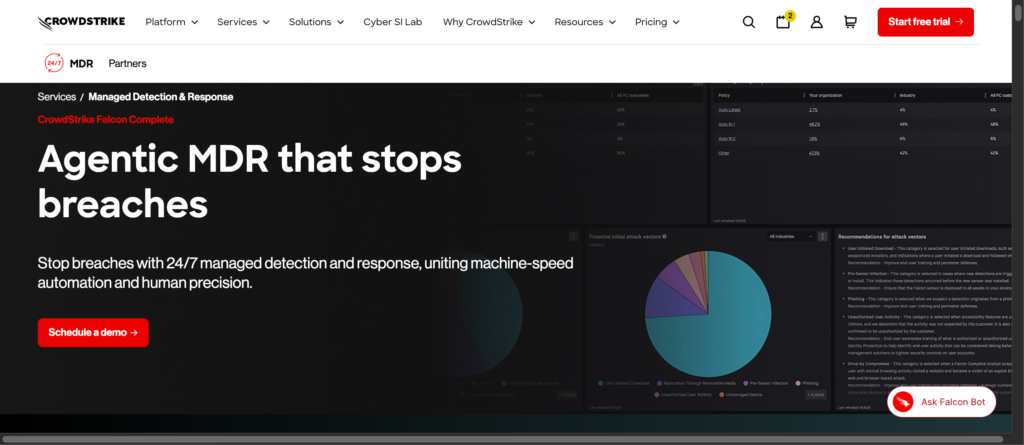
Falcon Complete is CrowdStrike’s fully managed service for devices, cloud workloads, and logins. Analysts from Falcon OverWatch will do the necessary hunting for you and clean everything up. It is rated as number one because the analysts take the initiative to act rather than merely sending alerts.
It is a powerful Managed Detection & Response option, especially if the Falcon platform already protects your devices. A breach prevention warranty is available for up to $1 million, but certain conditions apply. But prices are available by quote only.
Pros:
- Analysts fix threats, so alerts do not pile up in your queue
- Falcon OverWatch adds nonstop human threat hunting
- The warranty gives some financial backing
Cons:
- Quote-only pricing makes cost comparisons harder
- The service ties you to the Falcon platform
Official site: crowdstrike.com
#2. Sophos MDR

Best for: Mid-sized teams that want a choice of service levels
Sophos MDR is available in two different service levels. The Essentials level makes it possible for threat analysts to prevent dangers, leaving the cleanup of the incident to the organization. The Complete level allows Sophos to handle issues around-the-clock. With this option, you can define how much effort your organization is going to expend while dealing with incidents.
This particular option is probably one of the most versatile Managed Detection & Response solutions available for mixed setups. It can use the information from non-Sophos tools. Moreover, you can easily add it if you are already using Sophos. In order to get the service, one has to ask for a quote.
Pros:
- The two levels let you choose how much Sophos handles
- Existing Sophos customers can add it easily
- Complete gives round-the-clock response
Cons:
- Full response is expensive
- There is no public price list
Official site: sophos.com
#3. Arctic Wolf MDR
Best for: Lean IT teams that want a dedicated security contact
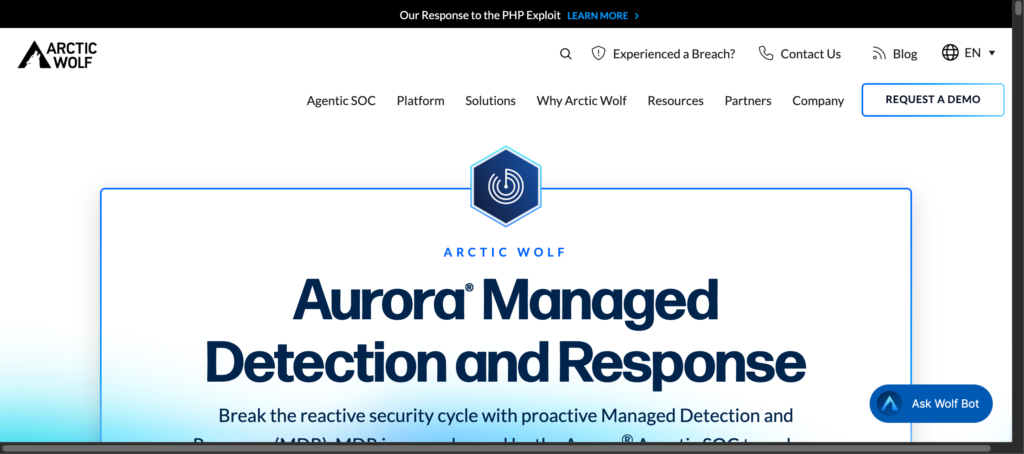
Arctic Wolf MDR provides users with a Concierge Security Team. It allows them to work with the same analysts for the entire duration of a subscription. The service relies on the Aurora platform to monitor devices and networks, logins, and cloud accounts.
It is the perfect managed detection and response software for IT teams that do not employ security specialists. The provider also offers consultancies for required improvements. It gives a warranty of up to three million dollars, though the limit applies only to qualifying plans.
Pros:
- Dedicated team allows you not to re-explain your setup
- It covers multiple devices, networks, logins, and cloud
- The warranty can offset costs after a covered incident
Cons:
- Pricing is custom, so costs vary by setup
- Warranty terms apply only to qualifying plans
Official site: arcticwolf.com
#4. Huntress Managed EDR
Best for: Small businesses and managed service providers (MSPs)
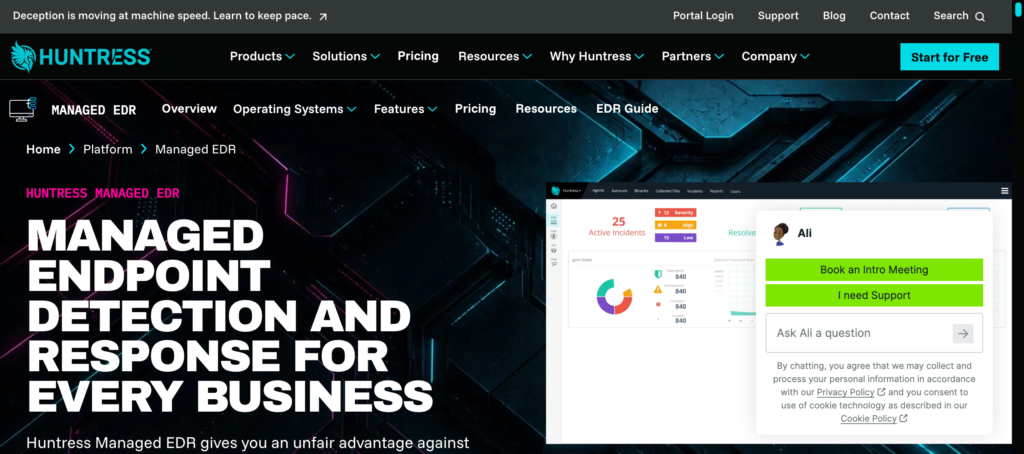
Huntress is an EDR solution that works alongside fully managed SOC services. The SOC service checks, thwarts, and resolves threats on the customers’ behalf. Huntress also publishes its prices publicly, which makes it unique in the market. The Managed EDR is listed at $8.99 for each endpoint per month, which already includes SOC monitoring services.
Identity, SIEM, and training services come with additional charges. The company does not have a universal rate, as MSP partner pricing differs from that of the average customer. Nevertheless, the existing public prices make the Managed Detection & Response service easy to budget for. The free trial corresponds with the offer of the paid version.
Pros:
- Public pricing makes budgeting simple
- The free trial includes SOC support
- One per-endpoint price covers the service
Cons:
- It targets smaller firms, so large enterprises may want more
- Identity and SIEM coverage add to the bill
Official site: huntress.com/pricing
#5. Microsoft Defender Experts for XDR
Best for: Companies that already license Microsoft Defender
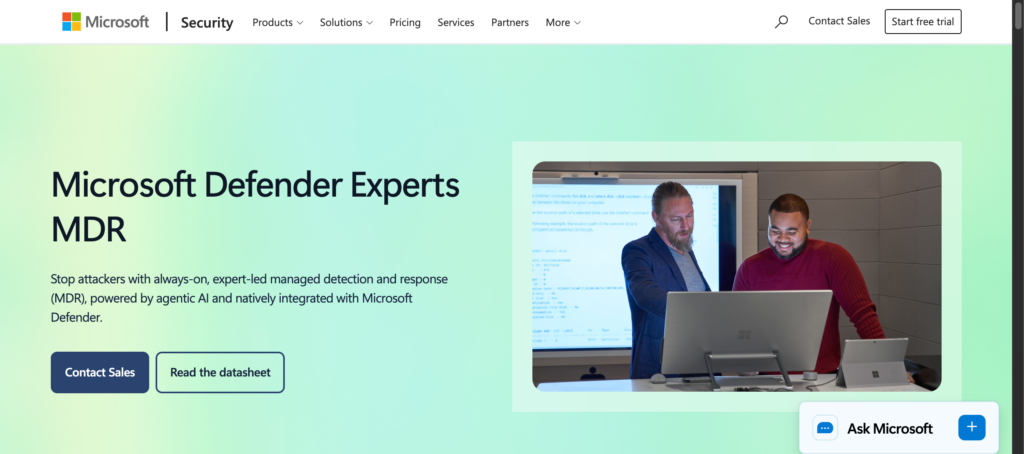
Organizations that are Microsoft Defender customers can benefit from Defender Specialists for XDR. The specialists perform threat hunting across devices, emails, logon sessions, and cloud applications. They work through the Microsoft Defender XDR application, so your team keeps its console.
It is necessary to mention that the availability of the service will depend on the usage of the customer’s Microsoft Defender products. The response depth depends upon the Defender products you use. If the coverage is missing, the service will be limited, and the customer will receive only recommendations. You can buy this software via the Microsoft account team.
Pros:
- It runs inside tools you already use
- Coverage spans devices, email, logins, and cloud apps
- Findings arrive in Defender XDR, so your team stays in one console
Cons:
- It covers only Microsoft products you license and deploy
- Pricing is not public
Official site: learn.microsoft.com
You Might Also Like: Top 10 Access and Identity Management Software
#6. SentinelOne Vigilance Respond
Best for: Organizations already using SentinelOne Technology
The service operates on a native SentinelOne Singularity platform. The analysts use the same source of information that your team accesses to obtain reliable results. The company utilizes automation and AI-driven response strategies.
This Managed Detection & Response option is most effective for organizations that use SentinelOne solutions already. Alternatively, if the end-users rely on other endpoint tools, they may search for a provider such as Arctic Wolf or Expel.
Pros:
- Analysts and admins share one source of data
- Automation can speed up routine response
- A native service avoids gaps between tools
Cons:
- It leans more on the platform than on the service
- Pricing starts with a sales quote
Official site: sentinelone.com
#7. Rapid7 MDR
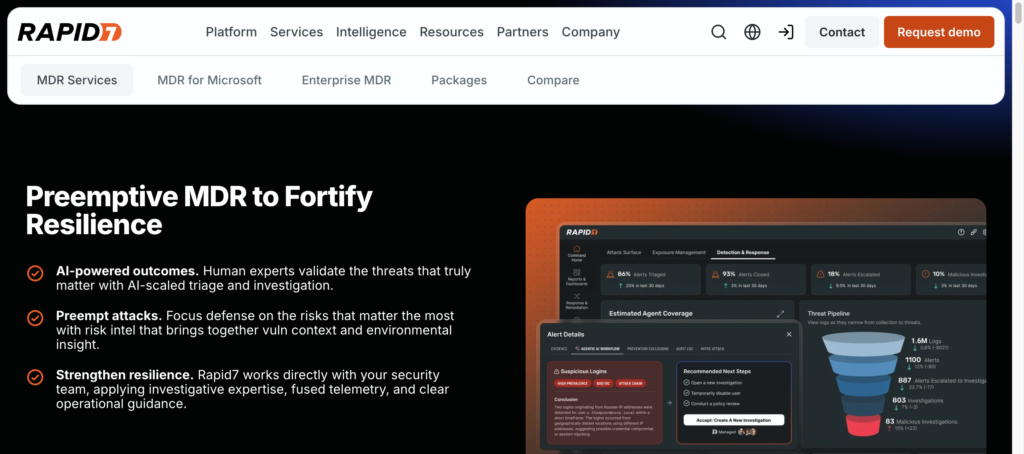
Best for: Enterprises with hybrid setups and exposure concerns
Rapid7 combines managed detection and response with exposure management. It means analysts can spot both threats and weaknesses on a given system. The company focuses its product on complex hybrid systems.
Such vastness allows big companies to assess actual risks. Rapid7 does not disclose its pricing; thus, the budgeting process starts with a sales call.
Pros:
- Exposure context helps analysts rank real risks
- It fits complex hybrid setups
- Expert-led work reduces the load on your team
Cons:
- Smaller teams may find the scope more than they need
- Pricing requires a sales conversation
Official site: rapid7.com
#8. eSentire MDR
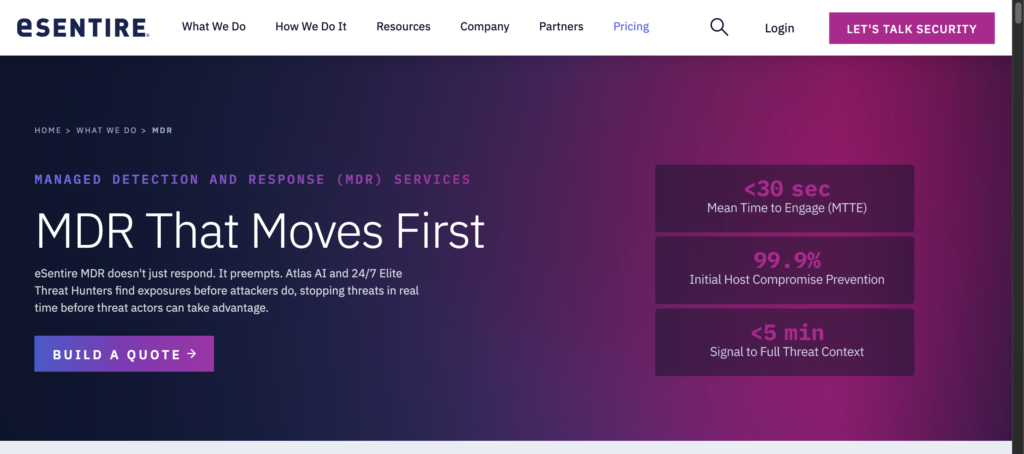
Best for: Regulated businesses that want specified response targets
eSentire’s service operates on the Atlas platform and is sold at different levels (Essentials, Advanced, Complete). The company reports having more than 300 tool integrations, so it is perfect for businesses with mixed installations. It also reports a 15-minute mean time to containment. However, it’s just the company’s claim.
Thus, it is advisable to inquire about contract conditions to rely on the quotation. A stated goal allows regulated teams to have some criteria for evaluation. The Managed Detection & Response is quoted based on the number of devices, data sources, and additional options.
Pros:
- Extensive tool compatibility is suitable for mixed setups
- A stated response goal gives you something to measure
- Tiers let you scale service depth
Cons:
- Quotes depend on many factors, making it harder to predict
- The 15-minute figure comes from the company
Official site: esentire.com
#9. Expel MDR
Best for: Teams that want to see how analysts work
Expel is well-known for its transparency. With this managed detection and response software, customers can observe cases in real time. It operates in such a way that the existing toolset is not rendered obsolete. It provides services and tools focused on what already exists and is owned by the client.
It is well integrated with Microsoft solutions. It should be noted that the company specializes only in MDR and does not produce many products.
Pros:
- You can see why analysts made each decision
- It works with tools you already own
- Its narrow focus keeps the service simple
Cons:
- You buy other security tools elsewhere
- Some G2 users report slower replies at busy times
Official site: expel.com
#10. ESET PROTECT MDR
Best for: Small and mid-sized firms that want one contract
ESET PROTECT MDR combines endpoint protection, file server protection, and XDR into a cohesive product. Premium support from ESET experts comes with the package.
Everything is under one contract, which simplifies vendor management. Thus, it is a practical solution for companies seeking to simplify their Managed Detection and Response. It usually targets smaller organizations.
Pros:
- One contract covers tools and managed response
- File server protection is included
- Premium expert support comes with it
Cons:
- It suits smaller firms better than very large ones
- ESET does not list a public price
Official site: eset.com/us/business
Which MDR Solution Fits Your Business?
The following examples of managed detection and response should help you match the provider to your setup:
- Sole practitioners on a budget: Huntress or ESET PROTECT MDR.
- Microsoft-centric organizations: Defender Experts for XDR or Expel.
- Users of Falcon or SentinelOne: The native offerings.
- Small IT teams who want a dedicated contact: Arctic Wolf.
- Mixed environments: Sophos or eSentire.
- Large hybrid organizations: Rapid7 or CrowdStrike.
Use these matches as a starting point, not a final answer. Shortlist two providers and compare their trial terms before you decide.
You Might Also Like: Best Network Monitoring Software for Your Business
Final Takeaway
The right Managed Detection & Response option is dependent on your organization’s setup and team. Smaller companies can benefit quickly from Huntress or ESET, while organizations using Microsoft solutions should consider going with Defender Experts as a priority. Whichever company you choose, be sure to secure the ability to respond properly. Ask what analysts can isolate without your permission. Lastly, try out the service before getting into a contract.
Frequently Asked Questions
Not necessarily. Some companies utilize MDR services when they need to get extra assistance in the form of threat hunting or for the purpose of monitoring their systems after work hours. Others keep a full in-house SOC and add MDR only where coverage has gaps.
They deal with different tasks. EDR solution is performed by your team, while MDR provides an external expert who does this service for you. MDR often suits small teams that cannot staff round-the-clock monitoring.
Prices for MDR services differ substantially. Many providers use the type of endpoint to determine the cost of their services. Huntress costs $8.99 per endpoint per month, while most others offer their own rates