

Top-Rated Free Employee Scheduling Apps for Small Businesses
Photo by Ian Harber on Unsplash
When employees have varying availability, shift preferences and days off, managing their schedules can become complicated. While spreadsheets can be useful for a small team, they can become cumbersome to manage when employees need to swap shifts, take leave or view changes on their mobile device.
A free employee scheduling application combines schedules, notifications, and availability into one. Some tools also have time clocks and attendance records. But “free” can be a permanent limited plan, a trial or a basic tool for appointments, not employee shifts.
We’ve done the research to compare 10 options and help you select without paying for features you don’t need. We’ve made it easy for you to review the vendor pages linked before registering, as prices and limits may vary. A larger free user count doesn’t necessarily mean the winner; feature restrictions can be more important.
How We Evaluated These Scheduling Apps
Official pricing pages, plan comparisons and product documentation were reviewed to determine the availability of free access, core features, restrictions, timekeeping options, location limits, and upgrade costs at the time of writing this article.
We concentrated on five areas:
- Free-plan usefulness: Employee limits, location restrictions, and whether managers can continue to publish schedules without paying.
- Scheduling capabilities: Shift planning, employee availability, time-off requests and notifications.
- Time and attendance: Inclusion of time clocks and timesheets, or need for upgrade.
- Ease of use: If it is easy for employees to use, for frontline workers, or in restaurants, or for customers to use.
- Upgrade costs: The pricing model and features that are paid as a team expands.
All prices are in USD unless otherwise indicated. We focused on free plans that don’t expire, but also added Agendrix as a trial option. This is a plan and pricing comparison and not a test of every product on the market. Free plans differ from trials and rankings are not based on unsupported performance scores.
You might also like: Remote Employee Monitoring Software with Tracking & Screenshots
10 Best Employee Work Schedule Software for Small Businesses
Here is a detailed overview of the ten best work schedule softwares that small businesses can use:
Homebase
Ideal for: Hourly teams in a single site
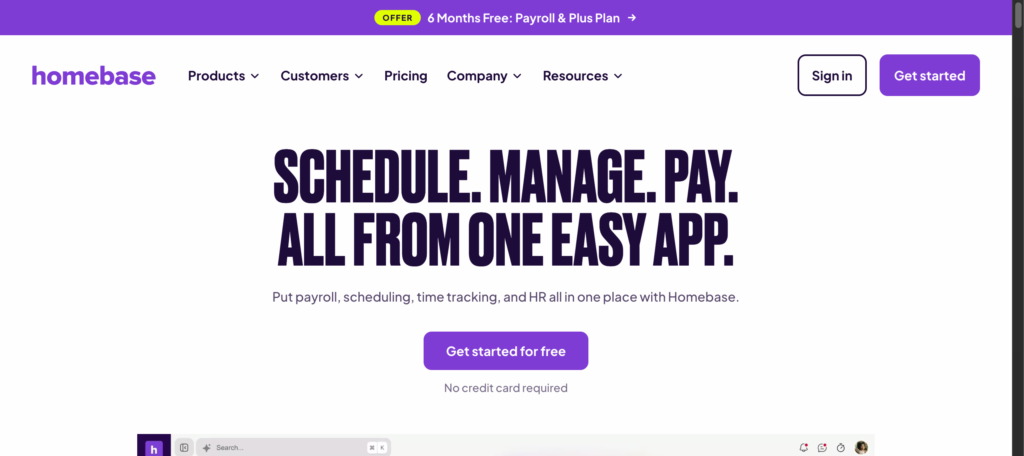
Homebase is a retail, restaurant and local service business shift scheduling, basic time tracking and team management solution. Managers can create schedules and manage hours from one platform, with supported point-of-sale integrations.
Key features
- Basic employee scheduling and time tracking.
- Point-of-sale integrations.
- Paid upgrades for advanced scheduling, time-off controls, and team communication.
What’s free? Basic costs $0 for one location and up to 10 employees. Essentials is $30/month per location, or $24/month per location, billed annually. Advanced workforce features and payroll may be additional. Basic is best suited for a simple rota and basic attendance records, where one manager is responsible for the rota.
Pros
- Schedules and tracks basic time.
- Great for teams working in one location and on an hourly basis.
Cons
- The free plan only allows 10 employees and 1 location.
- Additional workforce and advanced scheduling features must be paid for.
Pricing: See Homebase’s official pricing.
Connecteam
Ideal for: Mobile and frontline teams
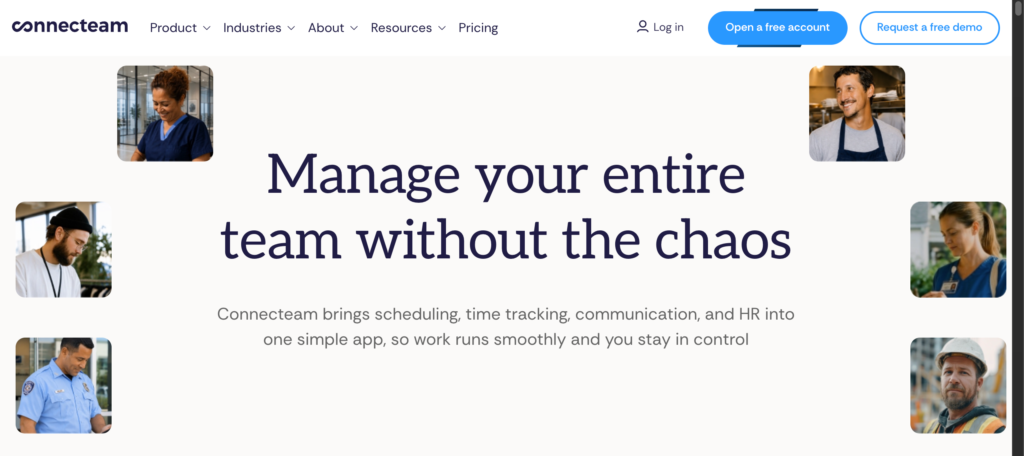
Connecteam is a scheduling, time clock, communication and employee-management solution. It is ideal for frontline workers in warehouses, retail stores, and customer locations where a desktop computer is not used frequently.
Key features
- Employee scheduling and time clocks.
- GPS clock-in capabilities and payroll integrations.
- Communication and operational task tools for teams.
What’s free? The Small Business plan is free for up to 10 users (active and archived) and one job schedule and one time clock. Operations Basic is $29/month billed annually or $35/month for the first 30 users. Determine the hub and features you require.
The free plan might be helpful for a very small mobile team if the single schedule and time-clock limits are suitable for your operation. Before enabling location-based clock-ins, review GPS and location permissions with your workplace policy.
Pros
- Schedules along with other workforce activities
- Great for people who work outside of their office
Cons
- The free plan’s schedule and time-clock limits may restrict complex teams
- For companies with over 10 users, they should look at paid options
monday.com
Ideal for: Visual planning and custom schedules
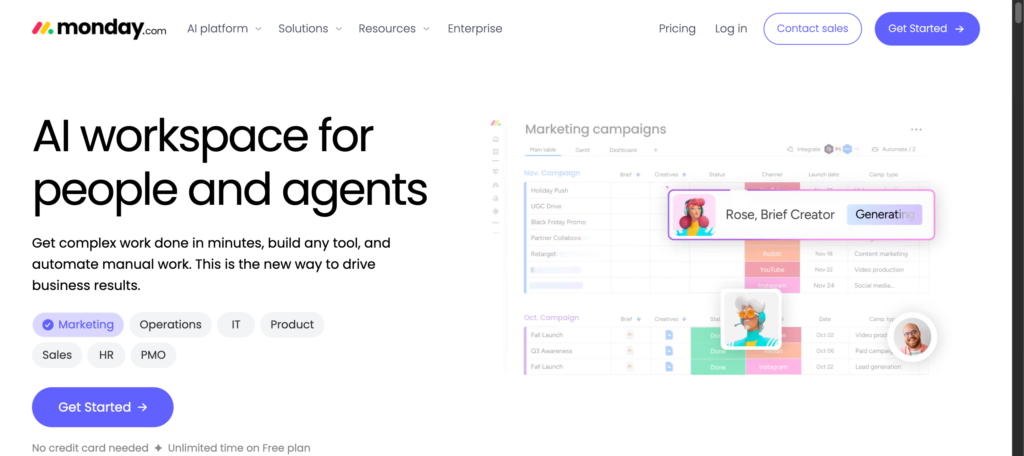
monday.com is a work-management platform, not a dedicated employee scheduler. It can be used to manage staff assignments, availability, projects and tasks for very small businesses using its boards and templates.
Key features
- Customizable boards and templates.
- Calendar planning and mobile access.
- Integrations and workflow automation available on eligible paid plans.
What’s free? The Free plan is limited to 2 seats and 3 boards, which is ideal for testing a workflow but not ideal for when everyone in the company needs access. Basic is priced at $9 per seat per month on an annual basis.
Managers will have to develop and maintain the scheduling workflow themselves, not using dedicated shift-management controls.
Pros
- Flexible plans for various planning requirements.
- Is able to link staff planning to other business activities.
Cons
- Not designed for hourly shift management.
- The two-seat free limit is too small for employee-wide scheduling.
Agendrix
Ideal for: Businesses that rotate shifts and shift-based businesses
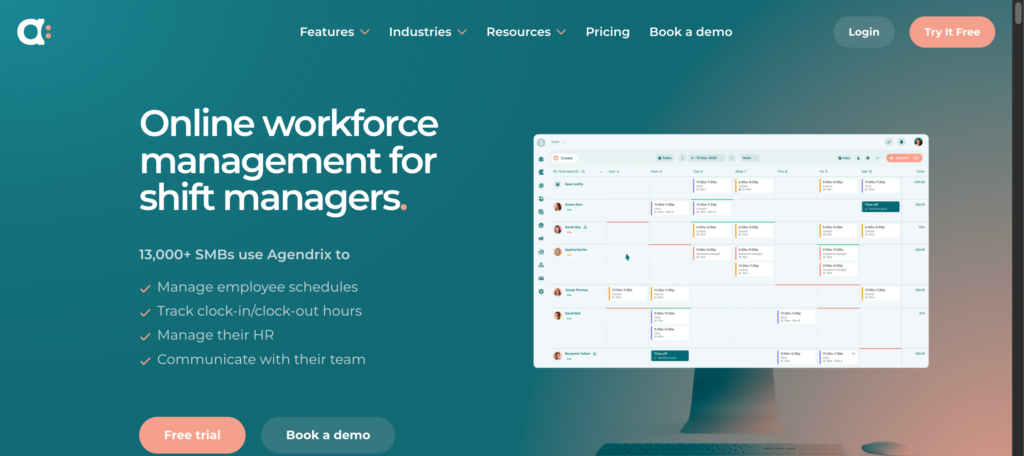
Agendrix is a solution that specializes in employee scheduling and workforce management. Managers can schedule shifts, availability, time off and communicate changes to staff with different hours.
Key features
- Reusable templates and shift scheduling.
- Availability of employees and time off requests.
- Communication, reporting and an optional time and attendance add-on
What’s free? Agendrix is a trial, not a free plan. Essential is $2.93 per user per month annually or $4.95 monthly. Automated time tracking is an additional feature and the trial period is up to 21 days. The subscription fee is charged per user, so the total increases as the number of users increases, before any separately priced attendance tools are included.
Pros
- Based on periodic and alternating rotations.
- Contains employee communication and scheduling features.
Cons
- This is a paid subscription service that must be continued.
- Time tracking is an additional subscription fee.
You might also like: Best Password Managers for Businesses and Enterprises in 2026
Zoho Shifts
Ideal for: Multiple locations, small teams
Zoho Shifts manages work across locations, departments and teams. The core features are scheduling, break planning, time-off requests, templates, reports and employee messaging.
Key features
- Move templates and shift scheduling.
- Request and report time off.
- Mobile apps, employee notifications, and team messaging.
What’s free? The free plan allows for up to 25 users and multiple locations. Recurring shifts, shift swaps, open shifts, and other advanced features are paid features. Look at the current plan comparison to see what tools you need.
Support from multiple locations may be beneficial for coordinating branches, but not all advanced scheduling capabilities are necessarily free. Before moving staff, determine if the free tier is suitable for your rota.
Pros
- Generous 25-user limit for a free plan.
- Supports multiple locations.
Cons
- Advanced scheduling tools require payment.
- Businesses that need a full time-clock and timesheet workflow should verify what is included before switching
7shifts
Ideal for: Food-service teams and restaurants
7shifts is a restaurant staffing solution. It assists managers in coordinating front-of-house and kitchen staff, availability and scheduling based on needs.
Key features
- Workforce scheduling and employee availability.
- Time-off requests and shift coordination.
- Additional team communication, time tracking and labor management features come with paid plans.
What’s free? Comp is free for one location and up to 15 employees, and includes basic scheduling, announcements, availability and time-off requests. Essentials costs $39.99 per location monthly with annual billing, or $44.99 monthly, for up to 30 employees. Note that basic time clocking is included in Essentials, not the free Comp plan, for restaurants.
Pros
- Designed around restaurant scheduling needs.
- Provides a complimentary solution for small restaurant teams.
Cons
- The free plan comes with employee and location restrictions.
- Advanced scheduling, communication and time-clock features are only available with a paid plan.
Findmyshift
Ideal for: Small groups requiring scheduling and time tracking
Findmyshift offers a browser-based schedule board, time clocks, timesheets and reporting. Its free plan is permanent, and it is ideal for very small teams that have simple scheduling requirements.
Key features
- Drag-and-drop shift scheduling.
- Time clocks, timesheets and reports.
- Access via the browser without desktop installation.
What’s free? The free plan includes up to 5 employees, 1 manager, and 5 facilities. Scheduling and history is only 1 week. Starter is $27 per team per month or $24 per month with annual billing. The primary disadvantage is the short advance planning window: this may be appropriate for short-term rotas but not for long-term staffing.
A one-week history can also be restrictive if managers have to check back on hours from a week ago or answer questions about hours from a past shift.
Pros
- Includes timekeeping on the free plan.
- Provides a free, long-term solution for extremely small groups.
Cons
- The five employee limit is too low.
- Short planning and history windows can be cumbersome.
TIMIFY
Ideal for: Service businesses that need to make appointments.
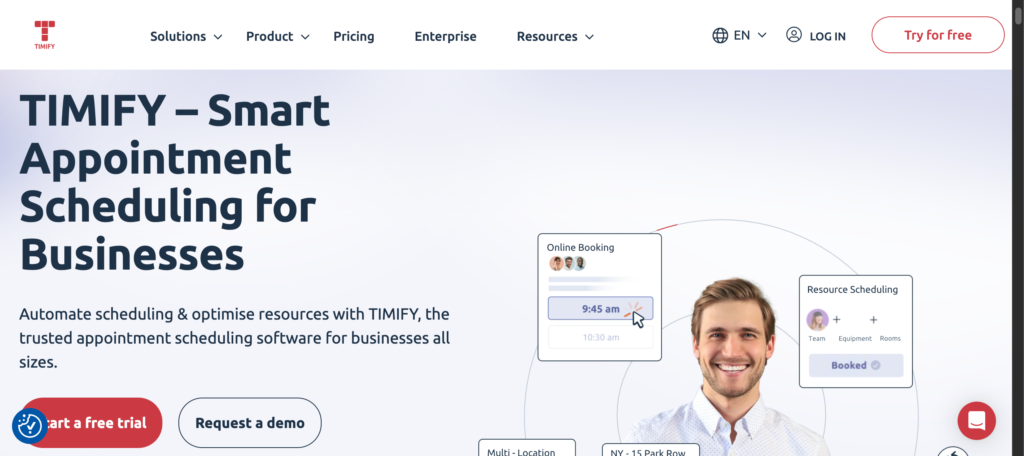
The TIMIFY is about appointments and resource scheduling. It assists businesses with scheduling employee availability and customer bookings, but it’s not a complete substitute for employee shift management.
Key features
- Online appointment booking.
- Staff and resource calendars.
- Depending on the plan, booking management and customer notifications.
What’s free? TIMIFY’s free Classic plan is designed for individual entrepreneurs and offers basic online booking and resource management. For businesses with more complex team scheduling needs, it is important to review the plan limits prior to adoption.
TIMIFY is more appropriate for companies that have customers who need to schedule time with a person or resource rather than companies that are scheduling employee shifts. A customer booking calendar and an employee rota can be the same, but they are not the same workflow.
Pros
- Helpful when staffing is contingent on appointments with customers.
- Combines booking and resource planning.
Cons
- Not as appropriate for frequent hourly rotations and shift changes.
- The free plan is tailored toward solo entrepreneurs.
ZoomShift
Ideal for: Hourly teams needing simple scheduling and confirmations
Managers can publish schedules, send reminders, share shift notes and collect confirmations with ZoomShift. The free version is ideal for small teams looking for a basic shared calendar.
Key features
- Employee schedules and auto reminders.
- Change of passes and team talk.
- Shift swapping and paid time clocks and timesheets.
What’s free? Essentials is available free of charge for up to 20 users at a single site, and has a 2-week scheduling lead time. Starter is $2 per active team member per month, and includes time clocks, timesheets, availability management, and shift swaps.
Premium is $4 per active team member monthly. The free tier is designed to be limited so teams that require more extensive scheduling or timekeeping will likely have to upgrade.
Pros
- Simple scheduling of small groups.
- Includes reminders and shift confirmations.
Cons
- The free plan only allows advance scheduling for two weeks.
- The timekeeping and more advanced scheduling features are paid.
Sling
Ideal for: Companies that require flexible scheduling and communication.
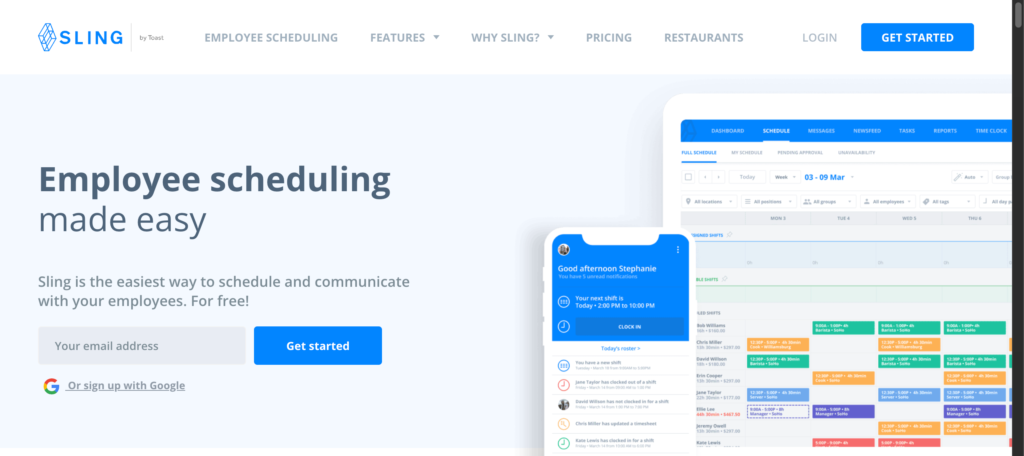
Sling integrates employee scheduling and team communication, such as time-off requests, available shifts and announcements. It’s ideal for companies that require basic scheduling capabilities but don’t want to invest in an extensive workforce-management solution.
Key features
- Shift scheduling and available shifts.
- Time off requests, announcements and private messaging.
- Time tracking and labor-cost management.
What’s free? Sling’s free plan allows up to 30 users, with scheduling, time-off requests, available shifts and communication. Premium includes mobile time tracking and labor-cost features and costs $1.70 per user per month (with annual billing) or $2 per month. The free plan can schedule shifts months in advance, but it’s not a replacement for a paid timekeeping system.
Pros
- Free 30-user limit.
- Plans and communicates with the team for shifts.
- Carries out planning for months ahead.
Cons
- Time tracking and labor-cost tools are paid.
- Businesses that need detailed time and wage reports may need a higher plan
You might also like: Access and Identity Management Software for Businesses
Can Free Scheduling Software Handle Your Team’s Scheduling Rules?
The employee limit does not indicate if an app can manage complex schedules. A tool can support 30 users and not have the controls your team needs.
Look for the ability to track availability, manage leave, mark overlapping shifts, and allow for shift swaps. If roles or qualifications are required for jobs, ensure that managers are able to allocate the appropriate personnel. Restaurants might also require coverage planning and overtime tracking.
Not all features advertised are free. Discuss the free-plan list and the tasks that managers do each week. Select the one that works the least manually for your real scheduling rules.
Conclusion
The ideal free scheduling software will help you with your daily tasks without asking for any money for features you don’t use. Homebase is for single location hourly teams, Zoho Shifts is for multiple locations, Findmyshift is for scheduling and timekeeping for very small teams, and Sling is for scheduling and communication for up to 30 users.
Check out the free-plan limits, run a sample work week, and estimate upgrade expenses before you sign up. Any time-saving tool should be useful as your business expands.
Frequently Asked Questions (FAQs)
Some scheduling tools allow for data to be imported, others will require managers to create schedules manually. Ensure that the app you are considering supports CSV imports and what employee information can be imported.
Not always. There are some platforms that offer browser access, and others that are more mobile app-centric. Ensure that employees are able to access shifts and updates via their preferred communication channel.
It can simplify shift assignments to review and make it easier for managers to identify shifts that are being repeated in the evening, at the weekend or for staff who do not like them. Managers still need clear scheduling policies to fairly distribute work, though.
There are various platforms that provide user roles or permissions, and the controls vary according to the plan. See if you can restrict access to confidential employee information and prevent unauthorized changes to the schedule.
Establish clear expectations for published schedules and confirmation of changes. If possible, set up automatic reminders or notifications, but have a backup way to communicate if there is a last minute change.